

Connectivity · ComparaUno GUIDE
8 tips to improve your home Wi-Fi
A practical diagnosis to improve signal and stability before paying for more speed.
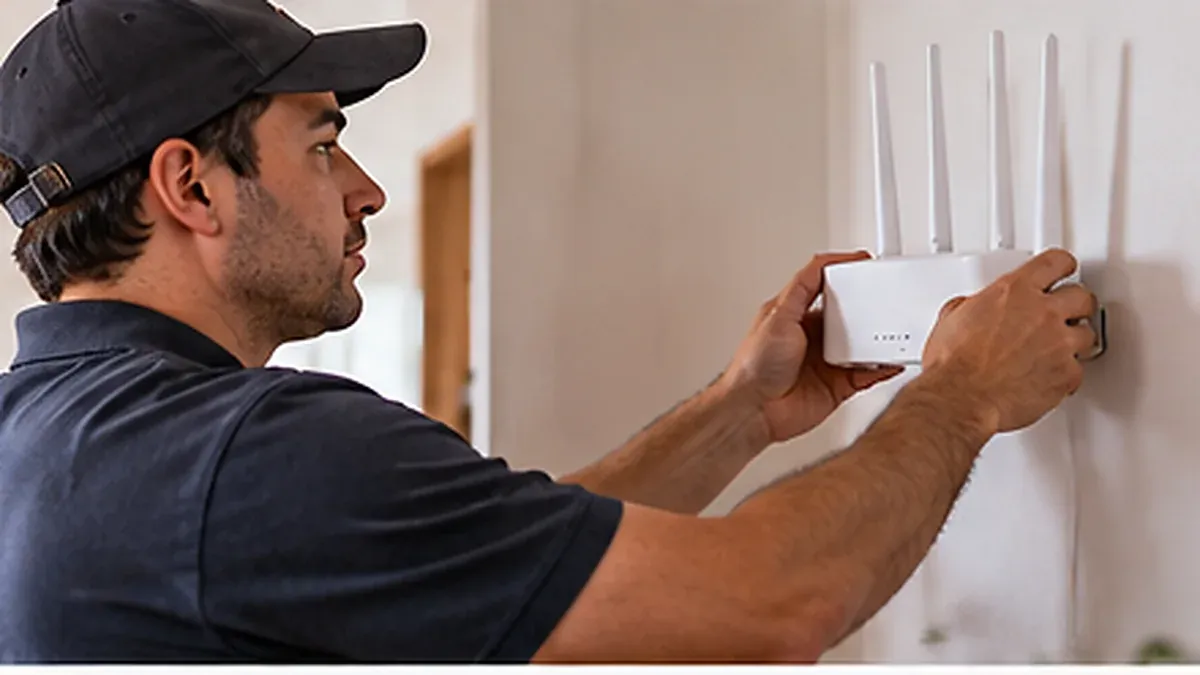
1. Place the router in an open area
Avoid a closed cabinet, behind the TV or near the floor. A central elevated position may help distribute signal. Do not alter or disconnect fibre or provider installations to move it; ask for assistance if cabling prevents relocation.
2. Identify walls and weak signal areas
Walk through rooms with the same device and observe signal loss. Walls, floors and metal can hinder connectivity. This is more useful than one router-side test and distinguishes local from general problems.
3. Check which band you use
If your device distinguishes bands, compare results in your workspace. 5 GHz may offer more short-range capacity; 2.4 GHz often reaches further with other limitations. Automatic selection and features vary by device. Do not infer bands from a photograph.
4. Use Ethernet for important tasks
A suitable cable may stabilise a work computer or nearby device. Check ports and compatibility. Wired testing also helps identify Wi-Fi problems. TVs and adapters do not all have the same capacity.
5. Manage simultaneous downloads
Backups, updates and large files may compete with a video call. Schedule them outside meetings and test the difference. Before buying more capacity, identify which activity occupies the connection and at what times.
6. Restart safely and keep recommended settings
A normal restart may fix temporary faults. Follow provider instructions and allow startup to finish. Avoid factory resets without instructions because settings may be lost. Use a strong Wi-Fi password and do not publish network access.
7. Assess extenders or mesh for a purpose
An extender may cover an area; mesh may help distribute access across larger spaces. Neither increases subscribed speed by itself. Placement, inter-device links and compatibility matter. Ask about installation and cost first.
8. Record tests and request support
Record room, time, device and wired or Wi-Fi result. If cable is also affected, contact provider support. If only one area is affected, explain it for an internal coverage review. Do not alter optical connections or installed equipment.
Improvement starts with diagnosis. Read the equipment guide or review Home Internet options if your needs have changed. ComparaUno guides subscriptions; your current provider handles support.
Sources and editorial scope
ComparaUno editorial team · Updated on 9 October 2026. Guidance without attributing equipment or benefits to an unverified plan.